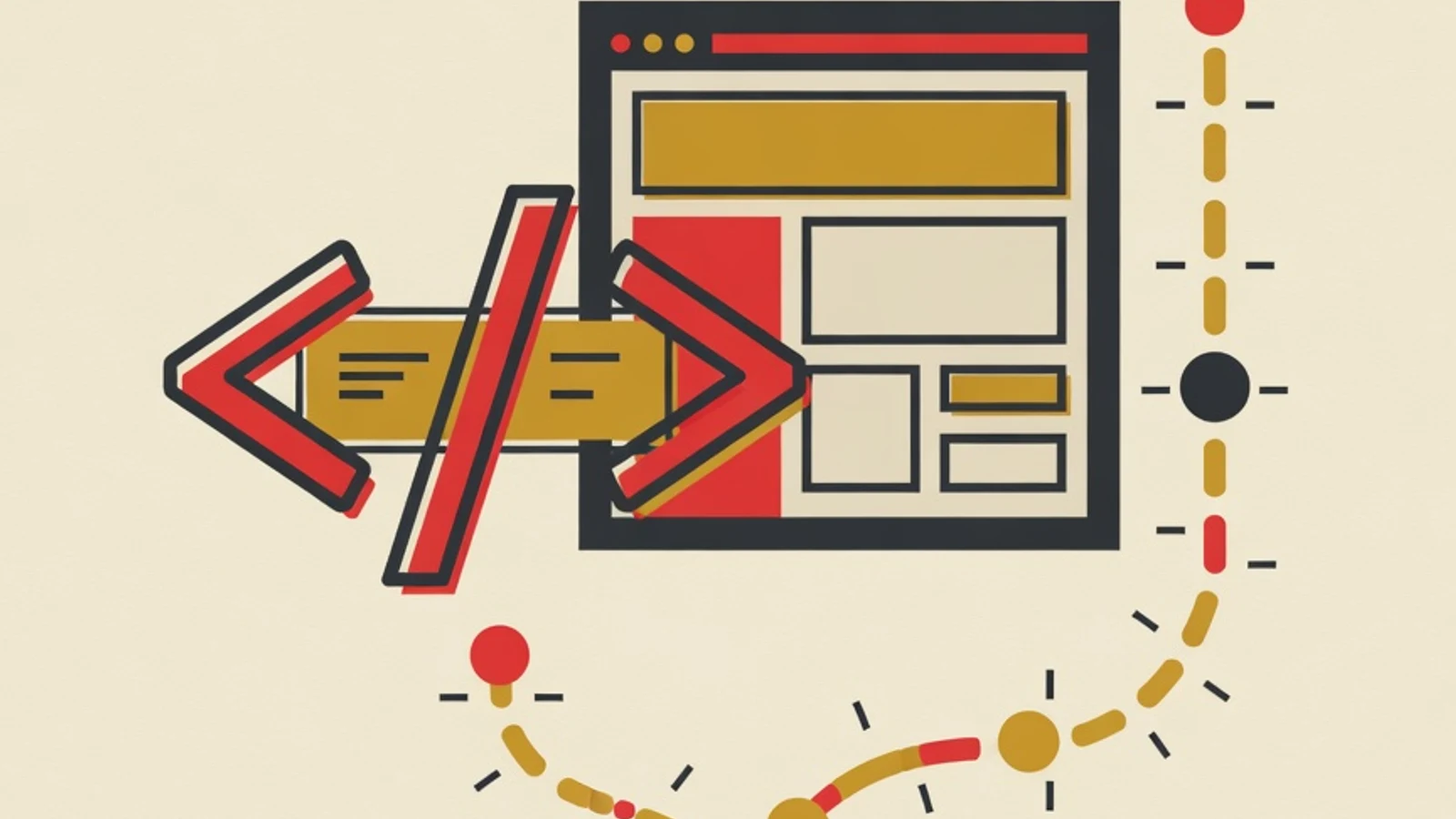
A web development roadmap from scratch follows seven ordered stages: HTML, CSS, JavaScript, one frontend framework such as React, backend and database basics, then deployment and a portfolio. Consistent beginners usually reach an entry-level standard within 6 to 12 months. The real driver of progress is building real projects at every stage, and practice always beats passive tutorial watching.
- The order of stages sets your pace: foundation first, framework later
- Every stage produces one project you can show
- A portfolio of finished projects is your job-hunting asset, ahead of certificates
- A laptop with at least 8GB RAM and a stable internet connection
- A free code editor such as Visual Studio Code
- A GitHub account to store and showcase your code
- A fixed study schedule of at least 8 to 10 hours per week
A Quick Overview of the Journey
Why the Order of Stages Matters So Much
Web development has a layered learning structure. HTML builds the skeleton of a page, CSS styles its appearance, then JavaScript brings it to life and makes it respond to users. Each layer stands on the one before it. Beginners who jump straight into React without understanding JavaScript often get lost, because React demands a mature grasp of functions, state, and data structures. The order in this roadmap follows references commonly used by the developer community, such as MDN Web Docs and roadmap.sh. The early stages are deliberately slow and thorough so the foundation is solid. Once that foundation is in place, the intermediate and advanced stages feel much lighter. This layered approach also makes it easier for a mentor to gauge where you are and what comes next.
The Seven Stages of the Web Development Roadmap
Work through the stages in order. Close each stage with one small project before moving on, so concepts settle through practice.
- 1
Stage 1: HTML, the Skeleton of Every Web Page
HTML is the markup language that builds the structure of a page: headings, paragraphs, images, links, tables, and forms. This stage is light on logic, so many beginners finish it in two to three weeks. Focus your practice on semantic HTML, which means choosing tags that match the meaning of the content, such as header, nav, article, and footer. Strong semantics make a site easier for search engines and screen readers to read. Avoid memorizing every tag. Learn the roughly twenty core tags used most often, then refer to documentation when you need others. The closing project for this stage is simple: build a static personal profile page with a photo, a short bio, and social media links.
Tips- Use MDN Web Docs as your main reference; it is free and accurate
- Practice form structure early because it is used so often
- Type code by hand and copy less from tutorials
- 2
Stage 2: CSS and Responsive Layout
CSS controls color, spacing, typography, and the position of elements. This is where a plain page turns into a clean, pleasant design. The hardest part for beginners is layout, so set aside dedicated time to master Flexbox and Grid, the two modern layout systems that have become industry standards. Responsive design is essential at this stage. A site must look tidy on phones, tablets, and desktops. Practice a mobile-first approach, designing the phone view first and then adapting it to larger screens. Once your CSS fundamentals are strong, many developers speed up their work with a framework such as Tailwind CSS. Closing project: turn the Stage 1 profile page into a responsive layout that looks clean on every screen size.
Tips- Master Flexbox for one-dimensional layout and Grid for two dimensions
- Use relative units such as rem and percentages for a flexible design
- Test your layout in the browser developer tools device mode
Do not get stuck decorating for too long at this stage. CSS can be polished anytime, while JavaScript is waiting to be learned. - 3
Stage 3: JavaScript, the Logic That Brings the Web to Life
JavaScript is the core of the interactive web. It makes pages respond to clicks, process form input, fetch data from servers, and update the display without reloading. This stage is the most decisive and the most time-consuming, typically two to three months for beginners. Start with programming basics: variables, data types, conditions, loops, and functions. Move on to DOM manipulation, the way JavaScript changes page content. After that, learn modern concepts: arrow functions, destructuring, ES6 modules, plus async, promises, and fetch for retrieving data from APIs. Understanding async is critical because almost every real application talks to a server. Closing project: build a fully working to-do list or calculator app.
Tips- Understand how functions and scope work before moving to a framework
- Practice async by calling a free public API such as weather data
- Solve a small logic challenge every day to sharpen your reasoning
Many beginners are tempted to move to React too soon. Make sure you are comfortable writing plain JavaScript first, so you are not confused when entering a framework. - 4
Stage 4: Git and the GitHub Workflow
Git is a version control system that records every change to your code. GitHub is where you store that code online and showcase it to potential employers. This stage is short, around one week, yet its skills are used every day throughout a career. Learn the core commands: init, add, commit, push, pull, branch, and merge. Make a habit of saving every learning project to GitHub from Stage 1 onward. An active GitHub profile with a regular contribution history is real proof that you have genuinely been practicing. Many recruiters check GitHub before reading a CV.
Tips- Write clear, concise commit messages in English
- Create one repository per project to keep your portfolio tidy
- Learn the branch and pull request flow for teamwork
- 5
Stage 5: A Frontend Framework such as React
Frameworks help build complex interfaces faster and more cleanly. React is the most popular choice and the most in-demand in Indonesian job listings, so this roadmap uses it as the entry point. This stage usually takes one to two months. Master React's core concepts: components, props, and state. Understand how to break a view into small reusable components, how to pass data through props, and how to manage changing data with state using hooks such as useState and useEffect. After React, many developers round out their skills with Next.js for more complete applications. Closing project: build an app that fetches data from a public API and displays it dynamically, such as a movie search or a product catalog.
Tips- Think of a view as a set of small standalone components
- Master useState and useEffect before more advanced hooks
- Connect React to an API so you get used to handling real data
- 6
Stage 6: Backend and Database Basics
The backend processes data, handles business logic, and stores information. A basic grasp of this side turns you from a frontend developer into an aspiring full-stack developer who is more flexible in the job market. This stage usually takes one to two months. Since you already know JavaScript, the fastest path is Node.js with the Express framework to build a server. Learn how to build a REST API, the access point where the frontend requests and sends data. Move on to databases: understand relational concepts with SQL, then try a document database such as MongoDB. Closing project: build a simple API for a notes app, complete with create, read, update, and delete operations.
Tips- Leverage your JavaScript skills by choosing Node.js for the backend
- Understand the REST API concept before touching a database
- Start with one database so you do not get overwhelmed
To apply for a frontend role, backend basics only need to reach the level of understanding the concepts. You do not need to become a backend expert before your first job application. - 7
Stage 7: Deployment and Building a Portfolio
The closing stage turns local projects into real applications anyone can access through a link. Services such as Vercel and Netlify make deployment free and fast for learning-scale projects. Deployment skills complete the full picture of a developer. Assemble a portfolio of the three to four best projects from earlier stages. Each project needs a live demo link and a GitHub code link. Write a short description of the problem it solves and the technologies used. Add an about page and a way to contact you. A portfolio of finished work speaks far more strongly than a list of courses taken.
Tips- Choose projects that each show a different skill set
- Make sure every demo is genuinely accessible and free of errors
- Optimize the performance and look of your portfolio on mobile
Time Estimate and Project per Stage
| Stage | Main focus | Time estimate | Closing project |
|---|---|---|---|
| 1. HTML | Page structure | 2-3 weeks | Static profile page |
| 2. CSS | Styling and layout | 3-4 weeks | Responsive profile |
| 3. JavaScript | Interactive logic | 2-3 months | To-do list or calculator |
| 4. Git | Versioning and teamwork | 1 week | Tidy project repositories |
| 5. React | Modern interface | 1-2 months | API data-fetching app |
| 6. Backend | Server and database | 1-2 months | REST API for a notes app |
| 7. Deploy | Going live and portfolio | 2-3 weeks | Portfolio of 3-4 projects |
Time estimates assume consistent study of 8 to 10 hours per week. Everyone's pace differs and these figures are estimates, not guarantees.
Free Learning Resources Worth Using
MDN Web Docs
The official documentation of web technologies from the Mozilla community. The most accurate reference for HTML, CSS, and JavaScript.
freeCodeCamp
A free interactive curriculum with thousands of exercises and completion certificates across many web development tracks.
roadmap.sh
A visual roadmap showing the order of skills to master for various developer roles.
React Documentation
The official React guide, rewritten with interactive examples and a modern hook-based explanation.
JavaScript.info
A deep, well-organized modern JavaScript tutorial, ideal for strengthening understanding once the basics are in place.
GitHub Skills
Hands-on practice to master the Git and GitHub workflow through interactive repositories.
Self-Taught or Learning with a Mentor
- A roadmap tailored to your pace and goals
- Coding blockers resolve quickly through direct explanation
- Feedback on your code speeds up the formation of good habits
- Schedule accountability keeps your study consistent
- Easy to get lost choosing sources amid a flood of tutorials
- A small blocker can eat hours without guidance
- Hard to judge whether the code you write is already of good quality
- Motivation fades easily when learning alone
“The fastest progress in web development comes from writing code every day, however small. A beginner who builds one tiny project to completion learns more than one who watches ten tutorials without ever opening an editor.”
A Readiness Checklist for Each Stage
- I can build a page from scratch without opening a tutorial
- The closing project for the stage is saved tidily on GitHub
- I understand the main concepts of this stage well enough to apply them myself
- I can explain the code I wrote in my own words
- I have fixed at least one error without directly checking the answer
Staying Consistent over Many Months
The biggest challenge in learning web development is not the difficulty of the material but keeping a rhythm over many months. Many beginners are enthusiastic in the first week and then vanish in the second month. Small, sustained consistency beats a burst of motivation that fades fast. Set a fixed schedule, such as an hour every night or three hours on the weekend, then guard it like an important appointment. Celebrate small milestones such as finishing your first project, because small rewards keep motivation alive. Join a developer community so the journey feels accompanied. When your rhythm keeps breaking from technical blockers, private guidance can keep your learning pace steady and on course.
- The web development roadmap moves in order: HTML, CSS, JavaScript, framework, backend, deploy
- Each stage closes with a real project so concepts settle through practice
- Consistent beginners at 8-10 hours per week usually reach entry-level in 6-12 months (estimate)
- A portfolio of 3-4 live projects is the main asset when applying for jobs
- Escape tutorial hell by building your own project without opening a guide