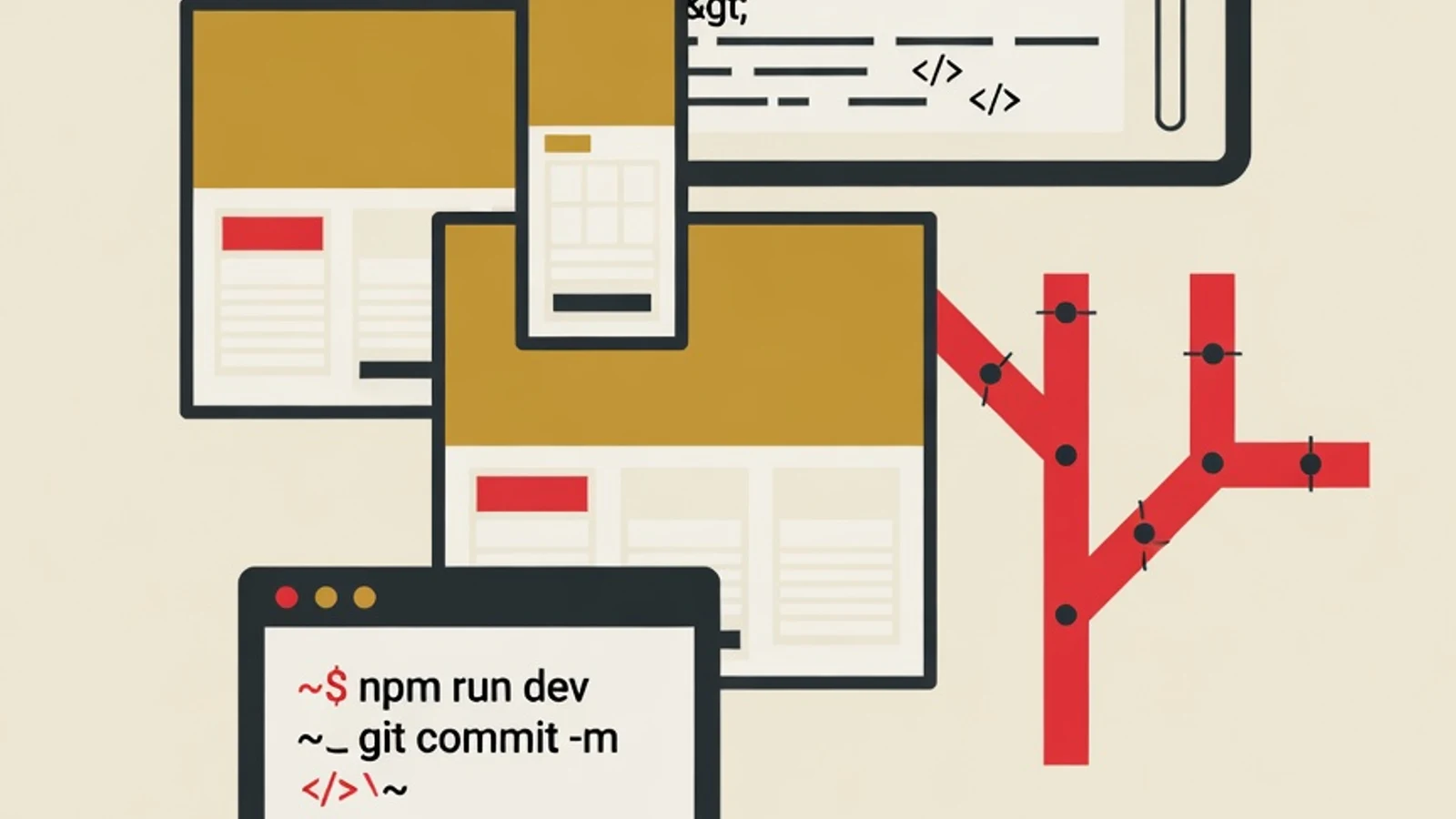
How to build a web developer portfolio for beginners starts with choosing three meaningful projects, building them with HTML, CSS, and JavaScript up to React, tidying the code on Git and GitHub, deploying to Vercel or Netlify, then writing one portfolio page that tells a story. These six stages usually take around two to four months while you keep learning.
- Focused on projects that fully work and can be clicked, beyond a list of courses you once took
- Every project is tidied on GitHub and goes live online, so recruiters can try it directly
- It ends in one portfolio page that tells how you solve problems with code
- A laptop with a stable internet connection, enough to run a code editor and a browser
- A free GitHub account as the place to store and showcase your project code
- A code editor such as Visual Studio Code for writing HTML, CSS, and JavaScript
- A fixed coding schedule, roughly 6 to 10 hours spread across the week
Why a Portfolio Decides a Beginner Web Developer Application
Understand First What a Portfolio Is Judged On
Many beginners assume a web developer portfolio is a list of certificates and course names they once took. What matters most is work that can be tried: a web app that runs, its code is open, and there is a story behind it. Recruiters want to see how you break a problem into code, structure your files, and finish a project all the way through. This path is open to anyone willing to practice regularly. What you need is a basic grasp of HTML for structure, CSS for appearance, JavaScript for interaction, plus the habit of keeping your code in Git. The roadmap below lays out a clear order, so you build projects that genuinely carry value and move past copying tutorials without understanding what is inside them.
Six Stages to Build a Web Developer Portfolio From Scratch
Go through them in order. Each stage stacks on top of the previous one, and each stage leaves behind one tangible result that will later fill your portfolio page.
- 1
Stage 1: Choose Three Projects That Tell a Story
A strong portfolio stands on projects chosen with intent. Avoid piling up many small projects on the same theme, such as a calculator and a digital clock, because they all feel alike to a recruiter. Instead, plan three projects with rising difficulty: one clean and responsive static site, one interactive app that stores data, and one project that pulls data from an outside source through an API. Pick themes close to your everyday life, for example a family expense tracker, a recipe catalog, or a daily task board. A theme you understand makes your design decisions feel reasonable and easy to explain during an interview. Set aside a few days to write down the goal of each project and its core features before touching any code.
Tips- Limit yourself to three projects on different themes so each piece highlights a distinct skill
- Write one problem sentence each project solves, this sentence later goes onto your portfolio page
- 2
Stage 2: Build the Static Project With HTML and Responsive CSS
Start with the first project, a static site that looks clean on phones and large screens alike. Structure the page with meaningful HTML, using tags that match their purpose so machines and humans can read it easily. Style it with CSS, practice layout with Flexbox and Grid, then apply responsive design with media queries so the arrangement adapts to the screen width. Test the appearance in browser DevTools at several screen sizes. This project looks simple, yet the tidiness of your HTML structure and the consistency of your CSS are read immediately by experienced developers. Finish it until it is truly smooth before moving on, because a clean visual foundation carries over into every project that follows.
Tips- Use relative units like rem and percentages so the layout flexes with the screen size
- Check readability on a phone screen first, many recruiters open portfolios from their hand
- 3
Stage 3: Add Interaction With JavaScript
The second project brings the page to life with JavaScript. This is where the web shifts from a mere display into an app that responds to a user's actions. Practice DOM manipulation to change the page content, handle events such as clicks and keystrokes, then store user data with localStorage so entries survive a page reload. A task tracker or expense app makes for fitting practice: the user adds, edits, and deletes entries, and the data stays saved. Break the code into small functions with clear jobs, a habit that keeps a program easy to maintain and pleasant to read again. A project that stores data proves you understand data flow, the part most sought after in a developer.
Tips- Give functions and variables names that explain their intent, clear code saves your own time
- Handle empty states and input errors early, an app that holds up under stress looks mature
Copying tutorial code without understanding each line shows during a technical interview. Make sure you can explain the reason behind every function you write. - 4
Stage 4: Move Up to React and Consume an API
The third project brings you to React, a JavaScript library that builds interfaces from reusable components. Learn how to break a display into components, manage state, and pass data through props. To make the project feel real, pull data from a public API, for example a film list, a weather forecast, or a daily quote, then present the results neatly. Handle three important states: while the data is loading, when it displays successfully, and when a network error occurs. The ability to compose React components and fetch outside data is the most requested skill in frontend openings. One finished React project shows you are ready to work with the tools used in real workplaces.
Tips- Start from one small component and make sure it works before building larger ones on top of it
- Show a loading indicator and a friendly error message, this detail separates a mature project from a rushed one
- 5
Stage 5: Tidy the Code on Git and Store It on GitHub
Good code needs a well-arranged home. Manage each project with Git, make small incremental commits with messages that explain the change, then store it on GitHub as an open repository. Recruiters often open a candidate's GitHub to see their work history and how they arrange a project. Complete each repository with a README that explains what the project is, the technology used, how to run it, and a link to the live version. A clear README shows you care about the people who read your code. Tidy the folder structure as well and remove unused files. An orderly commit history tells the story of your thinking throughout building the project.
Tips- Write commit messages that explain the reason for a change; a bare word like fix leaves the next reader with no context
- Place the live link at the top of the README so recruiters can try it right away
- 6
Stage 6: Deploy and Write a Portfolio Page That Tells a Story
The final stage makes your work clickable for anyone. Deploy each project to Vercel or Netlify, both connect straight to GitHub and publish the site for free within minutes. After that, build one portfolio page that holds all three projects. For each piece, include a screenshot, one sentence on the problem it solves, a list of the technology used, a link to the live version, and a link to the code on GitHub. Briefly tell the challenge you faced and how you solved it, because this is the part that shows how you think. One tidy portfolio page that tells a story leaves a stronger impression than simply linking raw repositories. This is the evidence of thinking that makes your application stand out.
Tips- Provide two links for each project, the live version and the code, so recruiters can freely choose
- Add a way to contact you and a prominent GitHub link on the portfolio page
Time Estimate for Each Stage for Beginners
Plan & Static Site
Choosing three storytelling projects then building a responsive static site with HTML and CSS. Roughly three to five weeks of regular practice.
Interactive & React
Bringing the page to life with JavaScript, then moving up to React while pulling data from a public API. Around five to eight weeks.
Git, Deploy & Portfolio
Tidying the code on GitHub, deploying all three projects, then writing a storytelling portfolio page. Roughly two to three weeks.
Three Paths to Build a Portfolio and Their Differences
| Path | Strengths | What to Prepare |
|---|---|---|
| Self-taught | Free or cheap, flexible pace | Easy to get lost on order, no code review |
| Intensive bootcamp | Fast and structured | High cost, dense pace hard to follow while working |
| Private lessons with a mentor | Clear path, code reviewed directly | Needs the discipline to attend, schedule agreed with the mentor |
Many beginners combine self-teaching for the HTML and CSS basics with mentor guidance once they reach React, Git, and assembling the portfolio.
“The beginners who get noticed fastest are the ones brave enough to put their projects online and open their code, even when it is not perfect. Code kept locked away until it feels worthy only delays the most valuable moment of learning.”
Checklist Before Calling a Portfolio Ready to Apply
- You have three working projects with rising difficulty, one of them using React
- Every project is live online and clickable through a direct link
- Each project's code is open on GitHub with an explanatory README and a tidy folder structure
- One portfolio page holds all three projects along with the story of the problem and its solution
- You can calmly explain the reason behind each project's technical decisions
How Much Learning Web Development at EduPoint Costs
The guided learning path stays affordable. Web development lessons at EduPoint start from Rp 110,000 per session for online lessons, and from Rp 140,000 per session for in-person lessons. A small group of two to three students is also available from Rp 95,000 per student. The final price adjusts to your learning goal, location, and lesson format. For beginners who want to walk the portfolio roadmap above with guidance, the regular package helps you code consistently every week until one project is finished, while the career and portfolio package steers you until all three projects are live and the portfolio page is tidy. The mentor reviews your code and adjusts the emphasis to your starting point, so your study time goes toward what you need most.
- A strong web developer portfolio stands on working projects that can be clicked, beyond a list of courses and certificates
- Three projects with rising difficulty show a range of skills from HTML, CSS, JavaScript, up to React
- Each project is tidied on Git and GitHub with a clear README and published online through Vercel or Netlify
- A portfolio page that tells the problem and solution of each project leaves a stronger impression than raw code links
- GitHub, Vercel, and Netlify offer free plans that carry a beginner through the whole portfolio-building journey