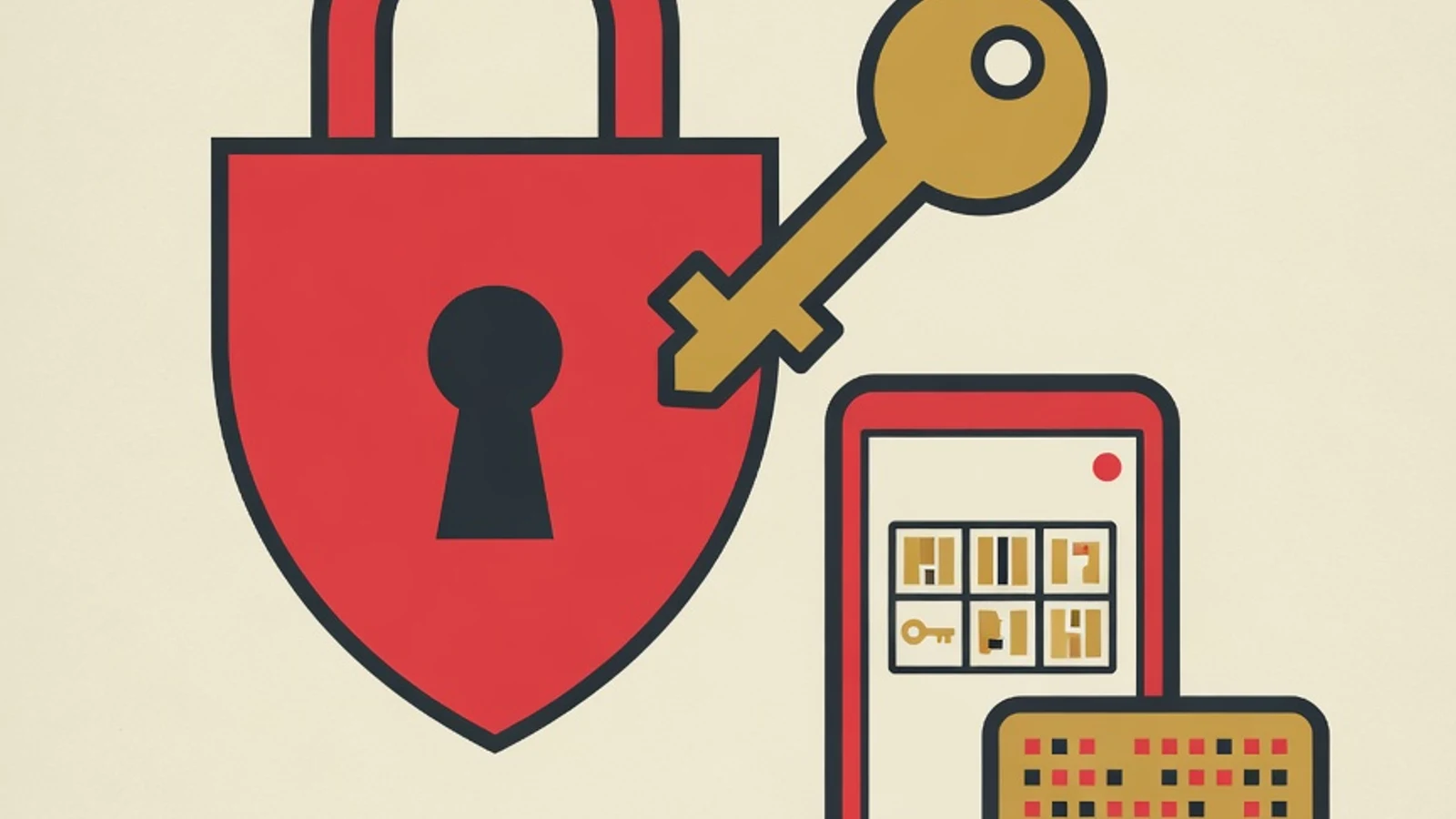
Cyber security basics for beginners mean building safe digital habits: using a unique password for every account, turning on two-factor authentication, recognizing phishing attempts, and updating your devices regularly. These seven simple habits already close most of the gaps attackers exploit the most.
- Unique passwords plus a password manager reduce the risk of chained account breaches
- Two-factor authentication shrinks the chance of account takeover even when a password leaks
- Recognizing phishing and keeping devices updated close attackers' favorite entry points
- A password manager app
- A phone for two-factor authentication
- A device with an operating system that can be updated
Why cyber security basics matter for everyday users
What are cyber security basics
Cyber security basics are a set of simple habits and settings that protect your digital identity, personal data, and devices from unwanted access. For a beginner, the focus stays on daily discipline that anyone can follow, with no complex hacking tools required. Picture a house with many doors. Every online account, from email and social media to banking, is one door. Cyber security basics make sure each door has its own key, an extra latch, and that you can recognize a visitor in disguise. BSSN data shows traffic anomalies in Indonesia reach hundreds of millions each year, which makes safe digital habits a reasonable life skill, even for people who do not work in technology. The good news is that the Verizon report finds most incidents start from simple human mistakes. That means improving everyday habits gives real protection, and that is exactly what we will build step by step in this guide.
Seven safe digital habits for beginners
Follow these seven steps in order. You can finish the first three in one afternoon, then build the rest over one to two weeks.
- 1
Create a unique password for every account
The first foundation of cyber security for beginners is giving each account a different password. When one service suffers a data breach, attackers try the same email and password combination on other services, a technique called credential stuffing. Unique passwords break this chain from the start. Build passwords that are long and easy for you to remember, for example four random words joined with numbers and punctuation. Length matters more for strength than simply swapping letters for symbols. Avoid easily guessed details such as birth dates, a child's name, or a pet's name.
Tips- Use a long passphrase such as several unrelated nouns strung together
- Prioritize your main email account, since email is the recovery key for other accounts
One password across many accounts lets a single leak spread across your whole digital identity. - 2
Store passwords with a password manager
Remembering dozens of unique passwords by hand is genuinely hard. This is where a password manager helps. The app keeps all your passwords in an encrypted vault that opens only with one master password. With a password manager you only remember one master key, while the app autofills every other password when needed. Many trusted options exist, some free for personal use. Choose one with a solid reputation and cross-device support so it stays comfortable on both your phone and computer.
Tips- Enable the built-in random password generator so each account stays unique
- Set a very long master password and keep a recovery copy somewhere safe
- 3
Turn on two-factor authentication
Two-factor authentication (2FA) adds a second verification layer after your password. Even if your password leaks, an attacker is still blocked because they lack the second factor, such as a code from an authenticator app or a physical security key. A Microsoft study of Azure Active Directory accounts found that enabling 2FA lowers account takeover risk by around 99 percent. Turn this on for your email, social media, and financial services first. Prefer an authenticator app over SMS codes, since SMS is more vulnerable to number hijacking.
Tips- Start with your email and banking accounts as the priority
- Store your backup recovery codes somewhere separate from your phone
2FA codes sent by SMS are weaker than an authenticator app because phone numbers can be hijacked. - 4
Recognize and avoid phishing
Phishing is an attempt to trick you into handing over your password or personal data through a message disguised as a trusted party. The Verizon report notes that many victims surrender their data in under a minute after opening a scam message. Get into the habit of pausing before clicking a link in an email, SMS, or instant message. Check the sender's address, be suspicious of urgent scare tactics, and never enter your password on a page opened from a message link. When in doubt, open the official site manually in your browser.
Tips- Be wary of messages that demand fast action or threaten account closure
- Hover over a link to see its destination address before clicking
Legitimate institutions never ask for your full password or OTP code over the phone or by message. - 5
Update devices and apps regularly
Software updates often carry fixes for security gaps that are already public knowledge. Delaying updates is like leaving a door with a broken handle. Enable automatic updates on your operating system, browser, and important apps. This also applies to easily forgotten devices, such as the home WiFi router. A device that no longer receives updates from its maker is worth considering for replacement, especially if it stores or accesses sensitive data.
Tips- Turn on automatic updates so you do not have to track them manually
- Set aside monthly time to check your router and smart home devices
- 6
Be careful on public WiFi
Public WiFi at cafes, airports, or malls makes connecting easy, while also opening the door to data interception. Avoid accessing banking services or entering important passwords while connected to a network you do not know. If you must connect, use your own mobile data for sensitive activity, or consider a trusted VPN service that encrypts your traffic. Also make sure the site address begins with https, which signals an encrypted connection.
Tips- Turn off auto-connect to open WiFi networks
- Save financial transactions for a network you trust
- 7
Back up data and mind your digital footprint
The final habit closes two risks at once: data loss and personal exposure. Back up important files regularly to separate storage, whether an external hard drive or a trusted cloud service, so ransomware or device failure cannot erase everything. Beyond that, review how much personal information you share on social media. A home address, phone number, and family details can give scammers the material to craft a convincing attack. Adjust your account privacy and share only what is needed.
Tips- Apply the three-copy backup rule across two media, one in a different location
- Review your social media privacy settings every few months
Cyber threats that most often target beginners
Phishing
Fake messages posing as a bank, marketplace, or courier to steal passwords and card data. The main signs are an urgent tone and suspicious links.
Malware
Malicious software that slips in through attachments, pirated apps, or links. BSSN data ranks malware as the most dominant anomaly type in Indonesia.
Weak passwords
Short or easily guessed combinations let accounts fall quickly to automated attempts. The fix is a long, unique password.
Account takeover
Attackers use a leaked password from one service to log into another. Two-factor authentication closes this gap.
WiFi interception
Data flowing over an unencrypted public network can be observed by others. Avoid sensitive activity on unfamiliar networks.
Oversharing
Sharing too much personal data on social media gives scammers the material for attacks that feel personal and convincing.
Weak passwords versus strong passwords
| Aspect | Weak password | Strong password |
|---|---|---|
| Length | 6 to 8 characters | 16 characters or more |
| Content | Name, birth date, common word | Four random words plus numbers and symbols |
| Usage | Reused across many accounts | Unique for every account |
| Storage | Memorized or noted on the phone | Kept in an encrypted password manager |
Password length gives greater protection than simply adding symbols to a short word.
“For beginners, cyber security is more about discipline than fancy technology. Unique passwords, two-factor authentication, and the habit of pausing before you click already close most of the attacks we see every day.”
Basic digital security checklist
- Every important account uses a unique password
- A password manager is active and populated
- Two-factor authentication is on for email, social media, and financial services
- Automatic updates are on for phone, computer, and browser
- 2FA backup codes are stored somewhere safe
- Important data is backed up to a separate location
- Social media privacy settings have been reviewed
- Cyber security basics for beginners rest on seven safe digital habits you can follow without a technical background.
- Unique passwords kept in a password manager break the chain of account-to-account breaches.
- Two-factor authentication lowers account takeover risk by around 99 percent according to a Microsoft study.
- Recognizing phishing and updating devices regularly close the two entry points attackers exploit most.