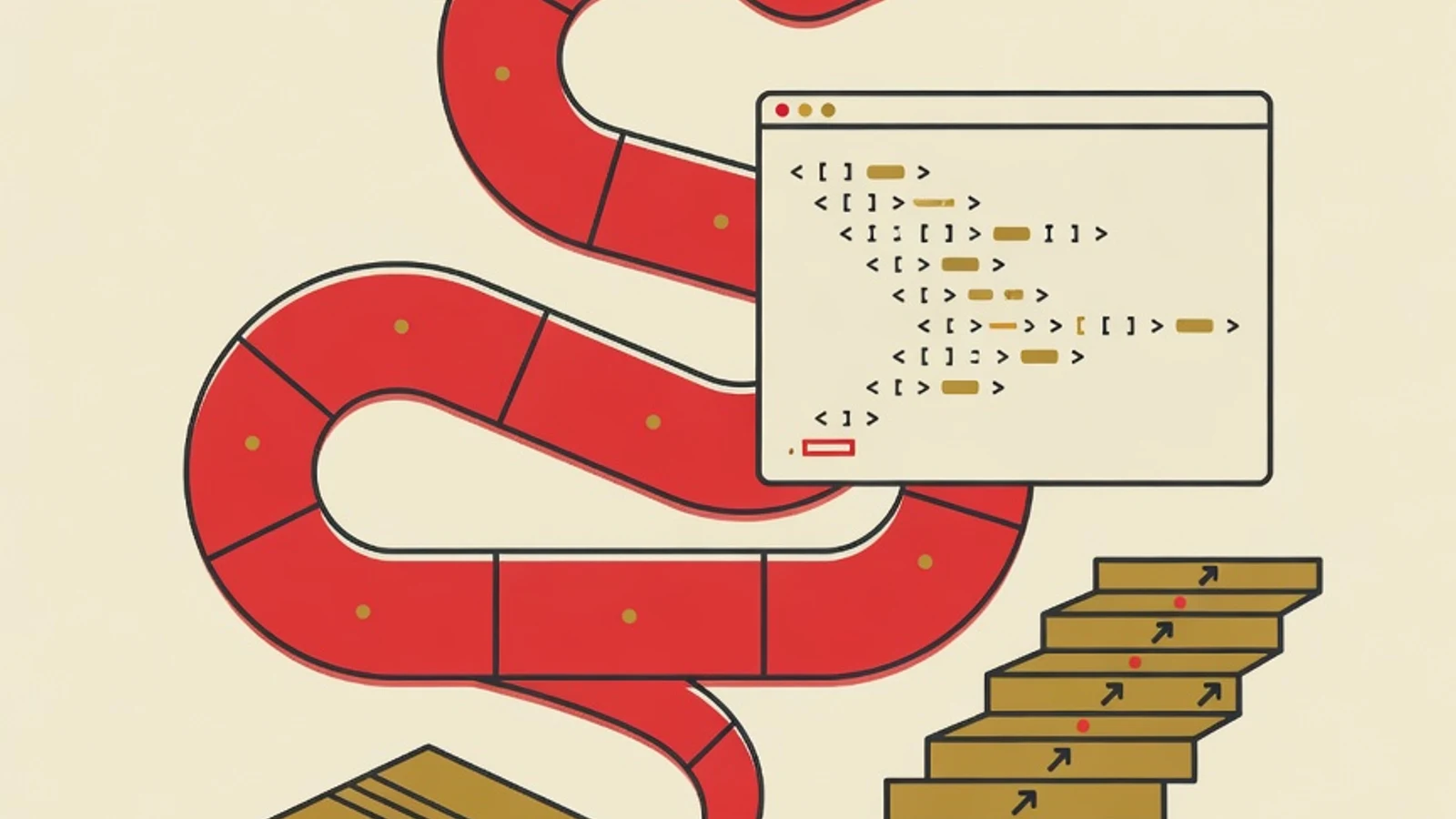
A Python learning roadmap for complete beginners starts with installing Python 3 and running your first script, then mastering syntax and data types, working with built-in data structures, controlling program flow, using libraries through pip, and finishing by building real projects. Hold a steady pace of 4 to 8 hours weekly across a few months, and every stage lays the ground the following one stands on.
- A standard computer or laptop carrying 4 GB of memory or more, plus enough spare storage room
- The latest Python 3 downloaded free from python.org
- A steady study rhythm of 4 to 8 hours per week kept consistent
- One free book or online course as your main curriculum, such as Automate the Boring Stuff
Python by the Numbers
Why Python Makes a Good First Language
Being a complete beginner means you set off with zero prior experience writing any computer instruction, and Python is genuinely shaped so that kind of opening feels roomy. Its syntax reads close to everyday English, so a line like print("Hello") is easy to guess without a maze of confusing symbols. That friendliness runs deeper than looks. Python uses indentation (spacing lines inward) to mark blocks of code, so from day one you get used to writing clean, readable programs. Its ecosystem, born back in 1991, means almost every beginner problem has already been discussed on forums, backed by thick official documentation and plenty of free material in both Indonesian and English. One language you truly master hands you a map of logic that applies universally. Once Python fundamentals settle in, concepts like variables, loops, and functions will feel familiar the day you try another language. This roadmap arranges the journey into six stages anyone can follow, including those coming from backgrounds far from computing.
The 6-Stage Roadmap to Learn Python from Scratch
These six stages follow an order tailored for complete beginners. Settle into one stage until it sits comfortably before you advance, since every skill props up the one after it.
- 1
Install Python and run your first script
Download the latest Python 3 straight from the official site python.org, then install it on your computer. When installing on Windows, tick the Add Python to PATH option so Python can be called from anywhere. After that, install a beginner-friendly code editor such as Thonny or Visual Studio Code. This first stage is simple in aim: make sure you can write one line of print("Hello world") and watch it run. That small moment when the screen shows the result of your own code is the foundation of confidence for the whole journey. Many beginners stall at the installation stage and quit, so take the time to make sure your working environment is truly ready before moving on.
Tips- For your very first practice, use Thonny because it ships with Python built in, sparing you the installation fuss
- Run your script through the Run button and through the terminal, so you get used to both ways early
Installing several Python versions at once without understanding the differences often causes confusion. A beginner only needs one latest version 3. - 2
Master core syntax and Python data types
Spend your early weeks understanding Python's basic ingredients: variables to store values, plus data types such as strings (text), integers and floats (numbers), and booleans (true or false). Learn how to take user input with input(), display results with print(), and write comments to explain your own code. Pay close attention to Python's indentation rules, because the spaces at the start of a line define the program's structure and often become a beginner's first error message. The best way to master this stage is to retype every example, tweak its values, then call the result out loud before you run it. When your predictions start landing right, your grasp of the basics has formed.
Tips- Build a small program that asks for a name then greets the user, this exercise uses input, variables, and print together
- Get used to trying code directly in Python's interactive mode (REPL) to test a single line quickly
- 3
Work with Python's built-in data structures
The strength that sets Python apart lies in its practical built-in data structures. Learn lists to hold ordered collections of values, dictionaries to pair keys with values, tuples for fixed data, and sets for collections of unique values. Practice adding, changing, and retrieving items from each. These data structures are what you will later use to store a to-do list, student records, or financial notes inside a project. Master when to reach for a list and when for a dictionary, because that choice shapes how tidily your program grows. Add an understanding of how to loop through the contents of lists and dictionaries once both feel familiar.
Tips- Model something from real life, for instance store a shopping list as a list and a profile as a dictionary
- Practice converting data from one shape to another, such as gathering numbers in a list then computing their total
- 4
Control program flow with conditions, loops, and functions
Once you can store data, it is time to make programs decide and repeat work. Learn if, elif, and else branching so a program responds to different conditions, then for and while loops to handle repeated tasks without copying code. Master functions too through the def keyword, how to pass arguments, and how to return results with return. Functions teach you to break a big problem into small reusable parts, the habit that separates beginner code from well-organized code. The combination of conditions, loops, and functions is the backbone of nearly every Python program, so practice until all three flow without glancing at examples.
Tips- Write small functions for repeated tasks, for instance a function that converts Celsius to Fahrenheit
- Try list comprehension once basic for loops are mastered, Python's compact way to process a list
Stacking many nested conditions in one block makes code hard to read. Break it into separate functions once it starts to feel heavy. - 5
Use libraries through pip and virtual environments
One of Python's biggest draws is the thousands of ready-made libraries that save you work. Learn to install libraries with pip, Python's built-in package manager, for example pip install requests to pull data from the internet. From the start, get into the habit of using a virtual environment (venv) so each project keeps its own set of libraries, separate and free of clashes. Get to know the standard library that already ships with Python too, such as the math module for calculations, datetime for dates, and random for random numbers. The ability to read a library's documentation then use it in your code is a skill you will repeat throughout a programming career.
Tips- Create one virtual environment per new project, this habit prevents many version problems later
- When using a new library, spend time reading its documentation page before pasting code straight from the internet
- 6
Build real Python projects and choose a specialization
Real projects bind theory into your hands' memory. Open with a tiny task, then lift the challenge bit by bit: a plain calculator, a daily-activity logger, a file-tidying script, or an automatic reminder. Once a few basic exercises are wrapped up, point your curiosity at one Python track, whether data work through pandas, automating office routines, server-side sites via Flask or Django, or a first step into machine learning. Any finished piece deserves a spot on GitHub with a brief note on how to use it. Three to five well-kept Python projects speak louder about your ability when you apply for an internship, freelance gigs, or that very first junior role.
Tips- Copy a favorite app of yours in its most stripped-down form, say a monthly pocket-money tracker
- Choose your specialization from whatever makes you most curious, a direction you enjoy is easier to stay consistent with
Four Popular Specializations Once Your Python Basics Are Strong
Data Analysis and Science
Python is the leading language for data work through libraries like pandas, NumPy, and Matplotlib. A good fit if you enjoy reading patterns from numbers, making charts, and drawing conclusions from data.
Task Automation
Python scripts can tidy files, fill spreadsheets, or gather information from websites automatically. This path delivers the fastest practical results for everyday work.
Server-Side Web Development
The Flask framework for compact projects and Django for large applications make Python a strong choice for building websites and services on the server side.
Introductory Artificial Intelligence
Libraries such as scikit-learn and TensorFlow make Python a popular gateway into machine learning. Best taken after your logic and data fundamentals are truly solid.
Python Compared with Other Languages for Beginners
| Aspect | Python | JavaScript | Java |
|---|---|---|---|
| Syntax ease | Very readable | Fairly friendly | More rules to follow |
| Early results | Scripts and data | Straight onto a web page | Structured applications |
| Strongest field | Data, automation, AI | Front-end web | Large-scale applications |
| Free beginner material | Very abundant | Very abundant | Abundant |
All the languages above teach the same logic. Python is often chosen by complete beginners because its initial barrier is the lowest, so focus can go to the way of thinking through a problem.
Milestones for Learning Python
- Successfully installed Python and ran your first script without help
- Comfortable using variables, strings, numbers, and user input
- Able to choose between a list and a dictionary based on the data
- Wrote your own function with arguments and a return value
- Installed a library through pip inside a virtual environment
- Finished one small Python project and saved it on GitHub
“The Python learners who advance quickest tend to be those ready to dig in from the very first day. Copy the example, alter its values, watch the outcome. Understanding blossoms from curiosity you keep acting on, and one simple script that genuinely runs teaches more deeply than long hours spent reading theory.”
- The Python roadmap for complete beginners runs in six stages: install Python, master syntax, work with data structures, control program flow, use libraries through pip, then build projects
- Python suits a first language because its syntax is readable and its ecosystem has been mature since 1991
- Built-in data structures such as lists and dictionaries are Python's signature strength to master early
- Actively writing your own code grows ability far faster than watching tutorials passively
- A stash of three to five well-kept Python projects on GitHub stands as the most convincing sign of ability for a newcomer