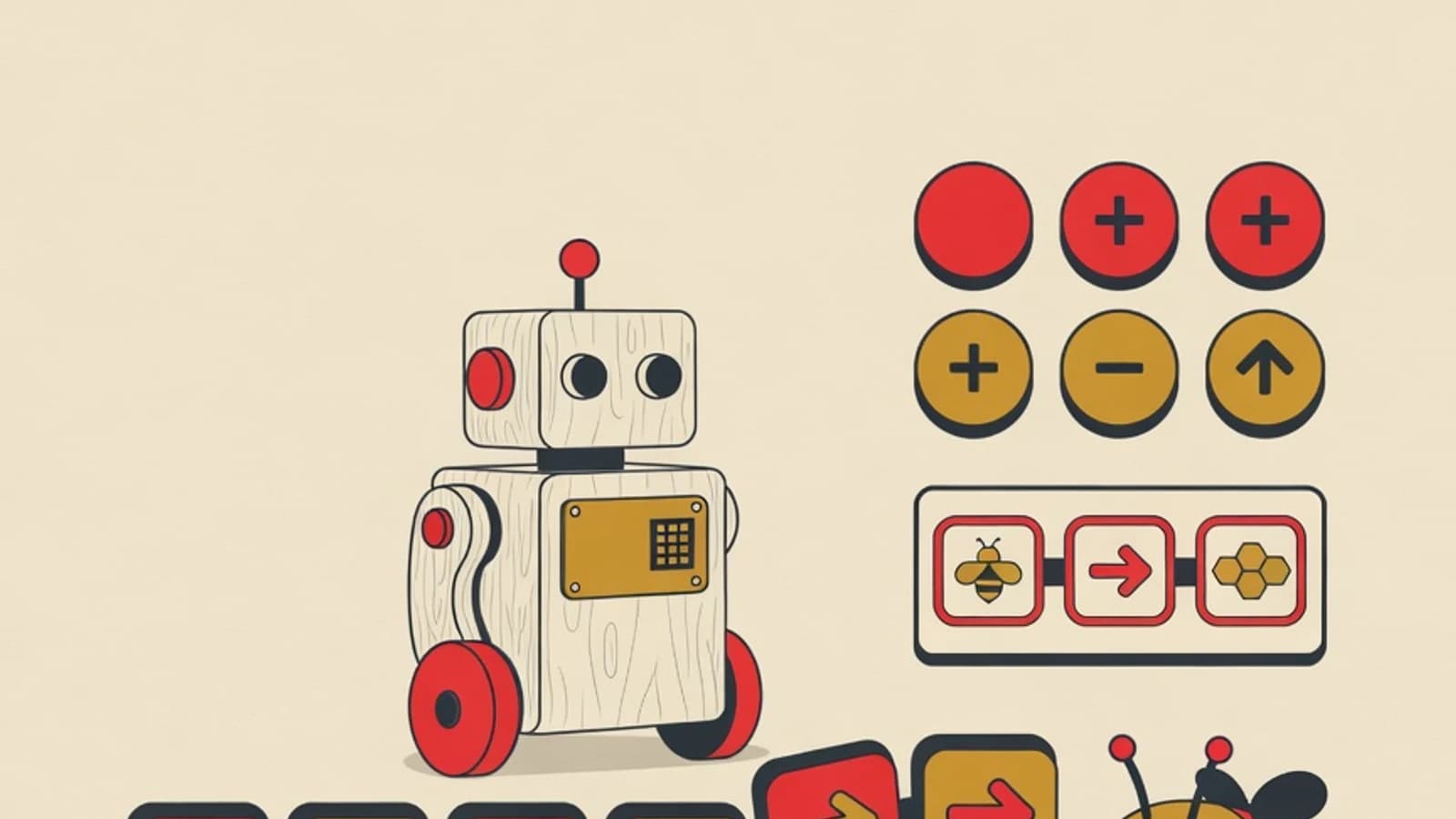
Introducing coding to children early begins with a way of thinking, planted through everyday activities and screen-free play. Children aged 3 to 7 meet four computational thinking habits: breaking a task apart, reading patterns, arranging sequences, and simplifying problems. Child-friendly robot toys follow once their curiosity has grown.
- Thinking first, screens later: the foundation of coding for young children is concrete and full of play
- A child's daily routine is a free and always-available source of algorithm practice
- Screen-free toys like Cubetto and Bee-Bot introduce commands to children who cannot yet read
- Household items for pattern play: buttons, blocks, spoons, colored stickers
- Paper and markers to make your own sequence cards
- Optional: a screen-free robot toy such as Cubetto or Bee-Bot
- Relaxed play time of 15 to 30 minutes, a few times a week
Coding for Young Children in Numbers
What It Means to Introduce Coding to Children Early
Introducing coding to children early means growing computational thinking, a problem-solving skill that can be practiced long before a child touches a keyboard. Early childhood education researchers group this skill into four pillars: decomposition (breaking a big problem into small parts), pattern recognition (spotting similarities between things), abstraction (choosing the information that matters), and algorithms (arranging clear, ordered steps). All four appear in a child's daily life, from the way they stack blocks to the way they retell a bedtime story. For children aged 3 to 7, this foundation grows best through play, storytelling, and movement, an approach known as unplugged coding. Children practice sequence, patterns, repetition, and decision-making through physical games and instruction cards, with no digital device at all. Curiosity and delight are the main fuel at this stage. Screens and apps will feel far more meaningful later, once a child is comfortable with the thinking that supports them.
6 Steps to Introduce Coding to Children Early
This order starts from what is closest to a child's world, the home and its routines, then slowly moves toward more structured toys. Parents simply play the part of a curious playmate.
- 1
First, understand what coding means for a child this young
Before hunting for an app, adjust the picture in your head. Coding for young children centers on training a way of thinking that is orderly and logical, long before there are any command lines to type. Replace the image of a screen full of code with the image of a child arranging steps: packing a snack, sorting toys by color, or retelling a story in order. All of these are the seeds of computational thinking. With this view, the pressure to buy expensive gear eases at once, and you can start today with items already in your home. Children aged 3 to 7 learn best through experiences they can touch and feel, so the coding introduction stage should be concrete too. When you see coding as a thinking skill, you will find it easier to spot chances to teach it in the flow of daily life.
Tips- Save technical terms like variable and function for later; just use the words command, order, and repeat
- Tell your child that a computer only follows instructions exactly as given, a delightful way in
- 2
Weave algorithms into daily routines
An algorithm is a series of steps to get something done, and your home is full of examples. While cooking, invite your child to name the steps of making an omelet from start to finish. While getting ready for school, draw the morning order together on a sheet of paper: wake up, wash face, breakfast, put on shoes. Once your child knows it by heart, shuffle the order and ask them to fix it, because correcting a wrong sequence sharpens their understanding. Activities rooted in daily life like this have proven to be a friendly entry point to unplugged coding for young children in many kindergartens. The bonus is that the child sees orderly thinking as useful for real things they experience every day. Keep it relaxed and woven into activities, without turning it into a stiff formal lesson.
Tips- Pick a routine your child does themselves, like setting the table, so they feel in control
- Celebrate when your child finds a missing step; that is computational thinking at work
- 3
Practice pattern recognition with items around the house
Pattern recognition is the most joyful pillar of computational thinking for little ones. Set out buttons, blocks, or colorful beads, then make a simple run such as red, blue, red, blue, and ask your child to guess what comes next. Raise the challenge gradually to a three-color pattern or a shape pattern. Sorting items by color, size, or shape trains a child to group information, a habit that later makes data and categories easier to grasp. You can use anything: spoons and forks kept apart, socks paired up, or leaves gathered on an evening walk. Pattern play also builds patience and care, two valuable assets for learning anything. Add laughter and let your child make their own patterns, because a child's patterns are often more creative than we expect.
Tips- Photograph the pattern your child builds and stick it on the fridge as a little gallery of pride
- Invite your child to find patterns in nature: flower petals, the lines on a watermelon, or floor tiles
- 4
Tell the story of coding in words close to your child
Young children absorb ideas most deeply through stories. Turn coding concepts into a tale they can picture. Repetition can be explained through a song with a part that repeats several times. Decision-making can emerge from a branching story: if the character is hungry, they go to the kitchen; if sleepy, they head to the bedroom. Invite your child to be a robot that only moves on your command, then swap roles so they feel the position of the one giving instructions. Picture storybooks are also a fine tool for practicing the order of events: ask what happened first and what came after. Through stories, abstract terms like loop and condition become familiar and fun. Consistent language helps, so use the same words each time so your child builds their own computational vocabulary.
Tips- Use a doll or favorite toy as a character in your algorithm story
- Let your child decide the ending of a branching story; this trains cause-and-effect logic
- 5
Introduce screen-free coding toys when your child is ready
Once a child is at home with sequence and pattern through free play, screen-free coding toys become a delightful bridge. The Cubetto wooden robot is designed for children from age 3: a child arranges colorful command blocks on a board, and the robot travels along, with no need to read a single letter. Bee-Bot, a small bee robot, can remember up to 40 directional commands and teaches spatial awareness along with step order. If the budget is tight, homemade command cards or a logic board game deliver a similar benefit at a far lighter cost. Toys like these keep a child's hands active and their eyes resting from screens, in line with advice to limit screen time for young children. Choose one medium first and let your child explore it fully before adding another.
Tips- Compare the price of a robot toy with homemade command cards; both train the same skill
- Play together on the floor so the session feels like warm family play time
Adding too many toys at once can leave a child confused. One medium a child masters is worth more than a shelf full of toys they rarely touch. - 6
Keep curiosity alight and read the signs of readiness
The goal of the introduction stage is to keep the flame of curiosity alive, without rushing to hit material targets. Follow your child's pace, stop while they are still eager, and let the play flow without grading. Watch for signs a child is ready for their first screen: they start asking how their favorite cartoon or game was made, they stay with a long sequence without tiring quickly, and they read simple icons fairly well. When those signs appear, ScratchJr on a tablet becomes a gentle next step, since all its commands are pictures. Until that time comes, there is nothing wrong with lingering in the world of screen-free play. A child with a strong computational thinking foundation will step into the screen stage with far sturdier footing. Document your child's funny moments and small discoveries; these notes become both a memory and a map of their growth.
Tips- Keep a simple photo journal of every coding game your child enjoys
- If your child is not interested, pause and try again another day; forced interest fades fast
The Four Computational Thinking Pillars in a Child's Everyday Life
| Pillar | Plain Meaning | Example at Home |
|---|---|---|
| Decomposition | Break a big task into small steps | Split tidying the room into several small tasks |
| Pattern recognition | See similarities and repeating order | Arrange beads red, blue, red, blue |
| Abstraction | Pick what matters, skip what is not needed | Draw a map to the kitchen with simple lines and marks |
| Algorithms | Arrange clear, ordered steps | Write the order of brushing teeth from start to finish |
All four computational thinking pillars appear naturally in a child's activities. A parent's job is simply to name them and repeat them with joy.
Child-Friendly Media to Meet Coding Early
Cubetto Wooden Robot
A child arranges color command blocks on a board, then the robot travels along. Built for young children who cannot yet read, entirely screen-free.
Bee-Bot Bee Robot
A tiny robot that can remember up to 40 directional commands. Trains spatial awareness, step order, and route correction when the robot misses its target.
Homemade Command Cards and Boards
Picture cards with arrows and steps you can make from paper. A child plots a route for a doll or toy, at nearly zero cost.
Storybooks and Logic Board Games
Picture storybooks train the order of events, while simple board games sharpen decision-making and step planning.
“In the early years, coding is best introduced through moving hands and imagined stories. Once a child happily arranges sequences on the living-room floor, moving to a screen feels like continuing a game they already love.”
Start Introducing Coding at Home This Week
- Pick one of your child's daily routines and draw its order together on paper
- Set out buttons or colored blocks for a pattern game this afternoon
- Tell one branching story where your child decides the character's steps
- Play a robot-command game, your child gives the cues and you carry them out
- Watch your child's interest and note the moment they play most eagerly
- Introducing coding early means growing computational thinking, practiced through routines and play long before a child touches a keyboard.
- Its four pillars, decomposition, pattern recognition, abstraction, and algorithms, appear naturally in a child's activities and only need to be named and repeated with joy.
- Screen-free unplugged coding with household items, plus robot toys like Cubetto and Bee-Bot, forms a friendly foundation for children aged 3 to 7.
- Apps like ScratchJr are introduced after a child shows readiness, usually around ages 5 to 7, as a continuation of play they already enjoy.